PrototypeX Studio

Virtual prototyping for physical systems

Explore how a machine, device or product idea could work—before you build it.

Create and refine the model directly, or use AI assistance to accelerate the work.

Build an interactive 3D model of a physical idea, configure selected behavior and controls, run virtual tests, compare results and revise the design. AI can help you move faster; you choose how to use it.

Move from speculation toward evidence—faster.

PrototypeX StudioApplication tour
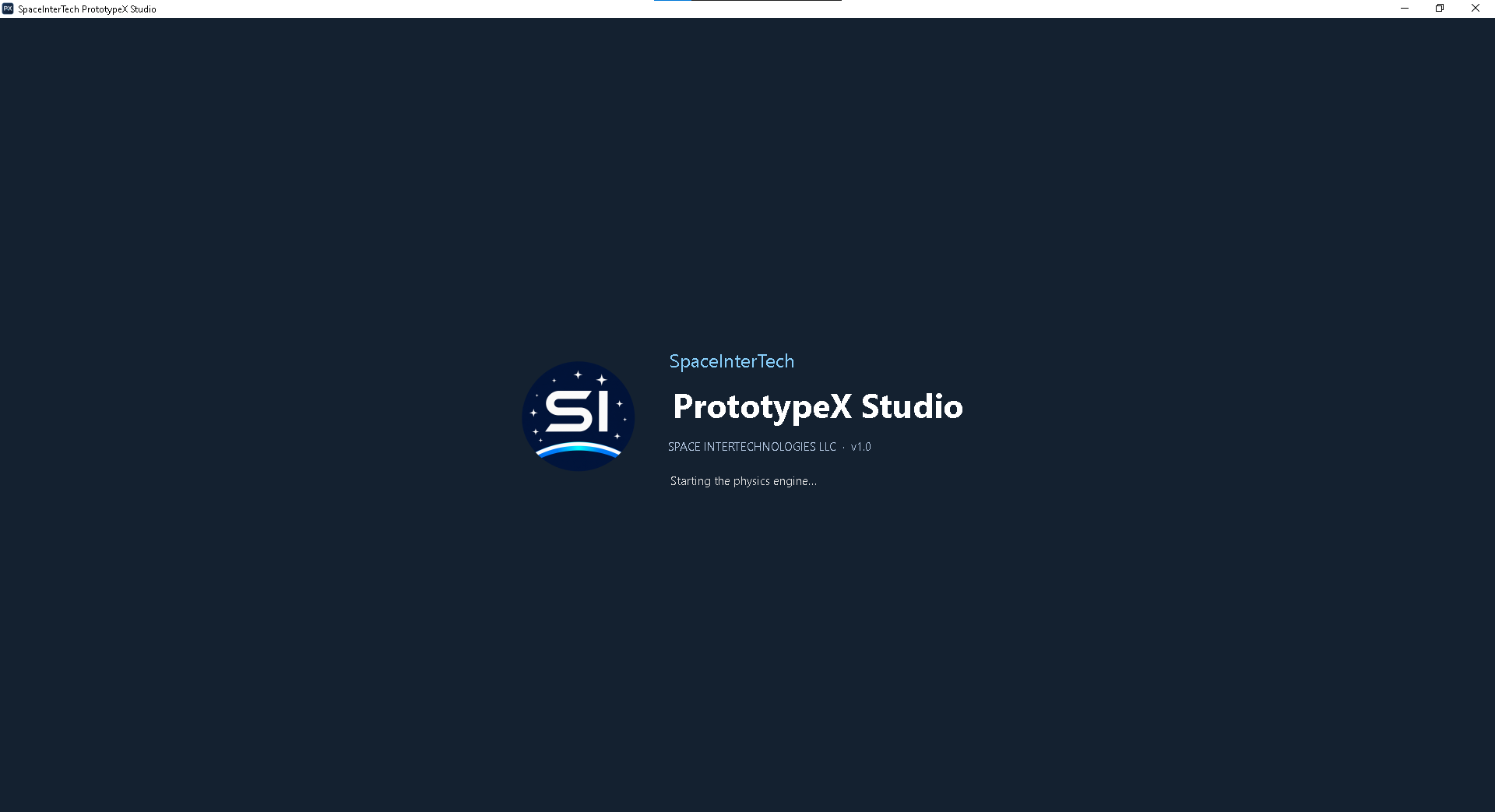
PrototypeX Studio launch screen with the SpaceInterTech logo
01 / 07 · Opening PrototypeX Studio
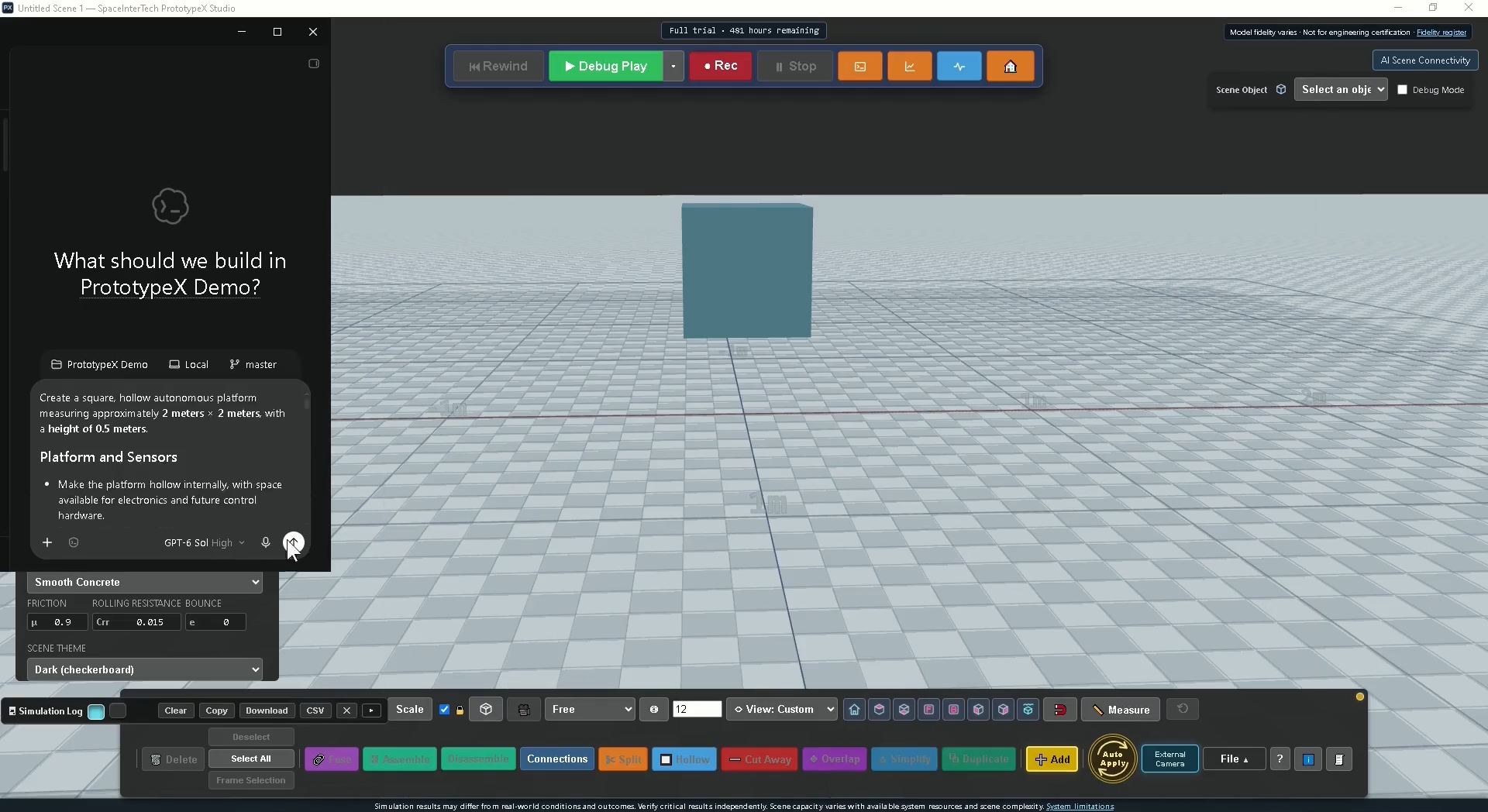
  1. Describe
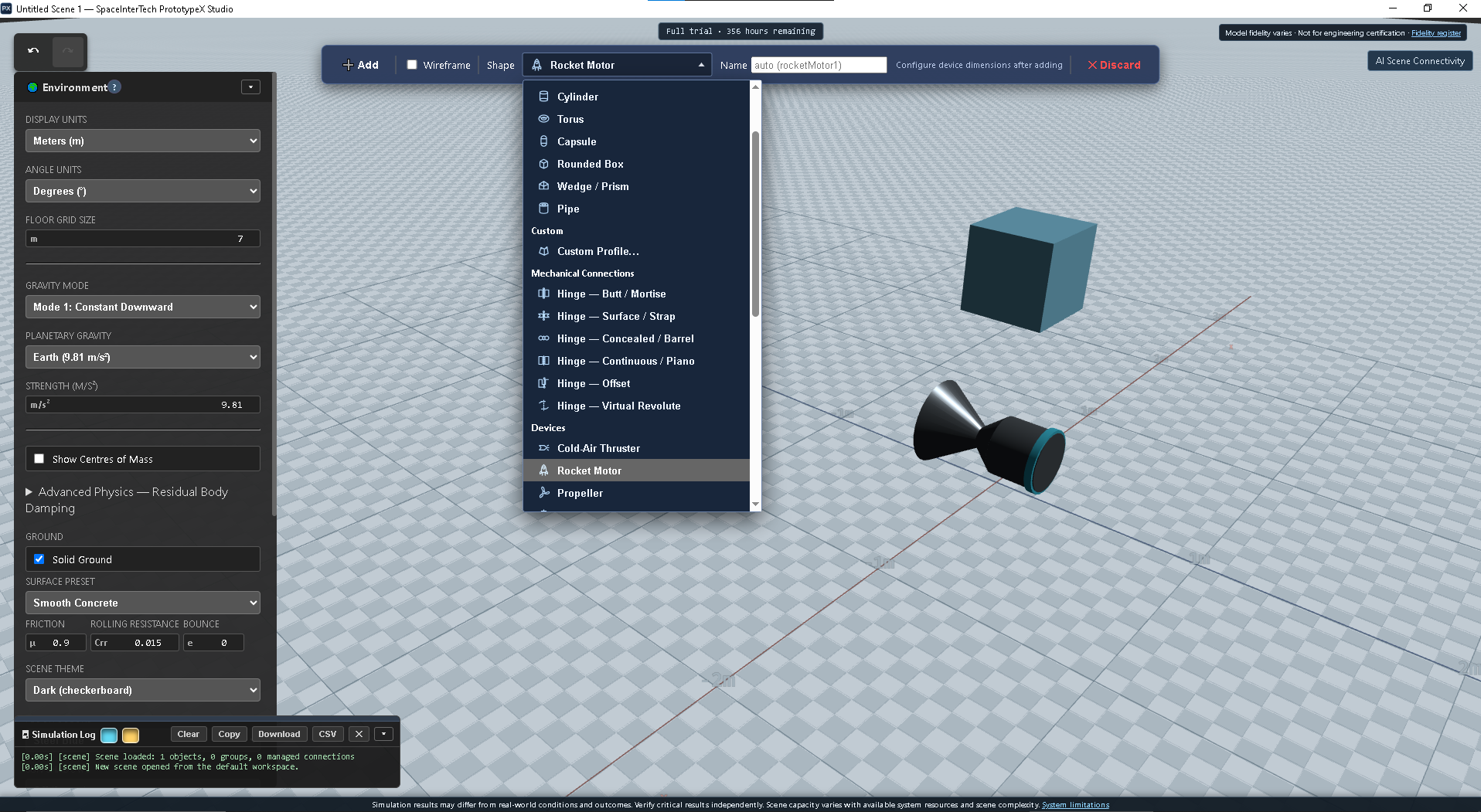
  2. Build
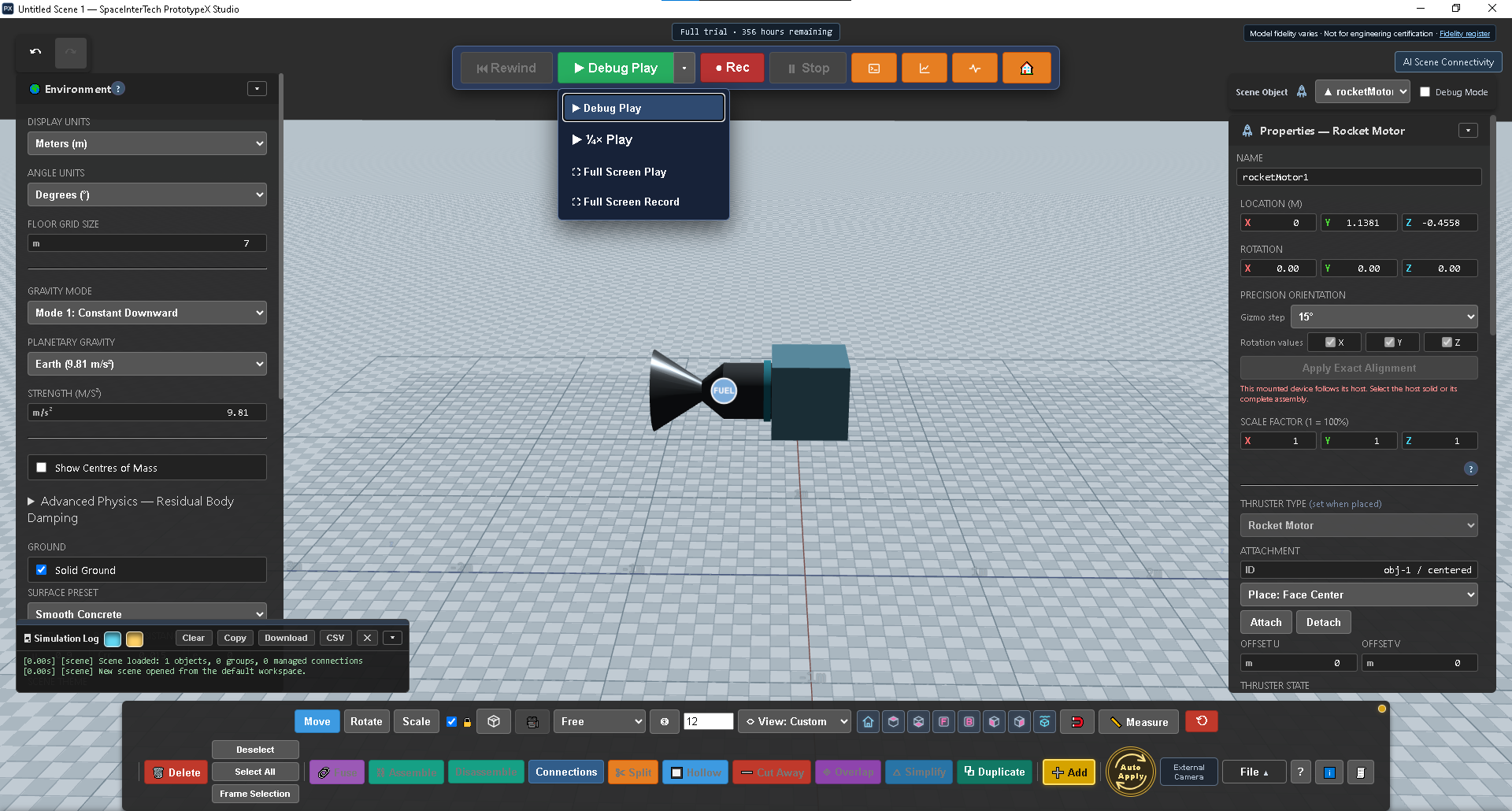
  3. Test
  4. Diagnose
  5. Revise
  6. Evidence

Concept exploration, not engineering certification.

One connected workflow

From an early idea to a working virtual system.

Direct workflow

  1. 01IdeaDefine the question
  2. 02ModelCreate and edit primitives
  3. 03ConfigureAdd behavior and controls
  4. 04SimulateRun selected behavior
  5. 05AnalyzeMeasure and explain
  6. 06ReviseImprove and rerun

AI-assisted workflow

  1. 01DescribeType an idea or revision in an AI client
  2. 02Test & refineModel, configure, simulate, measure and iterate
Repeat the loop

Demonstrations

Three user-guided, LLM-built systems in action.

A user set the goals and guided the LLM through each build. Watch the resulting rotating ring, rocket, and autonomous drone run in PrototypeX Studio.

AI-assisted case study

From a written concept to an autonomous three-point mission.

Can AI help turn a vehicle brief into a testable virtual system—and improve it when the first test exposes a limitation?

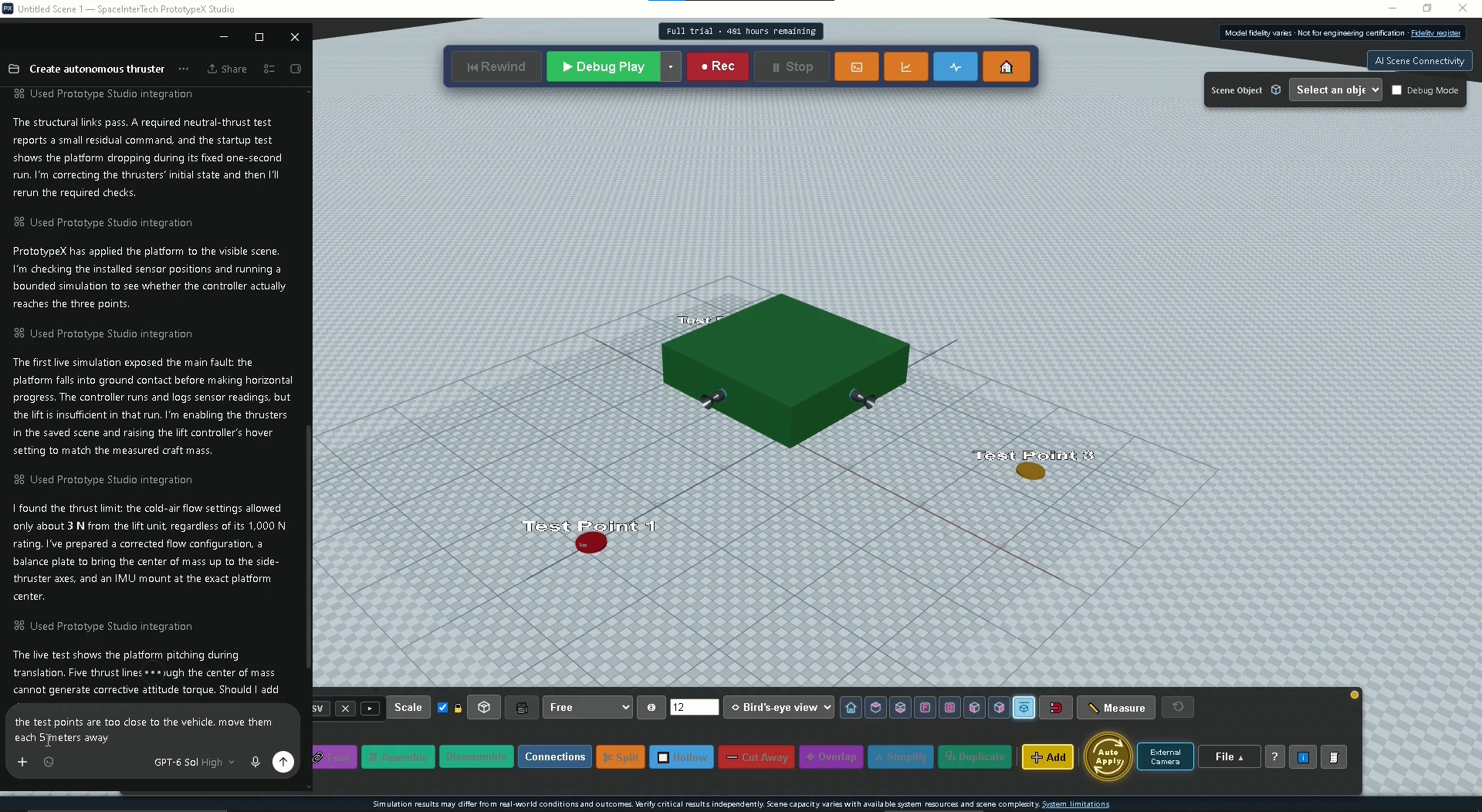
A high-level brief described a hollow square platform, onboard sensors, independently controlled thrusters and a three-point route. An AI client used PrototypeX to create and configure the virtual system, run it, inspect its behavior and revise the model.

Platform2 m × 2 m
Mission3 waypoints
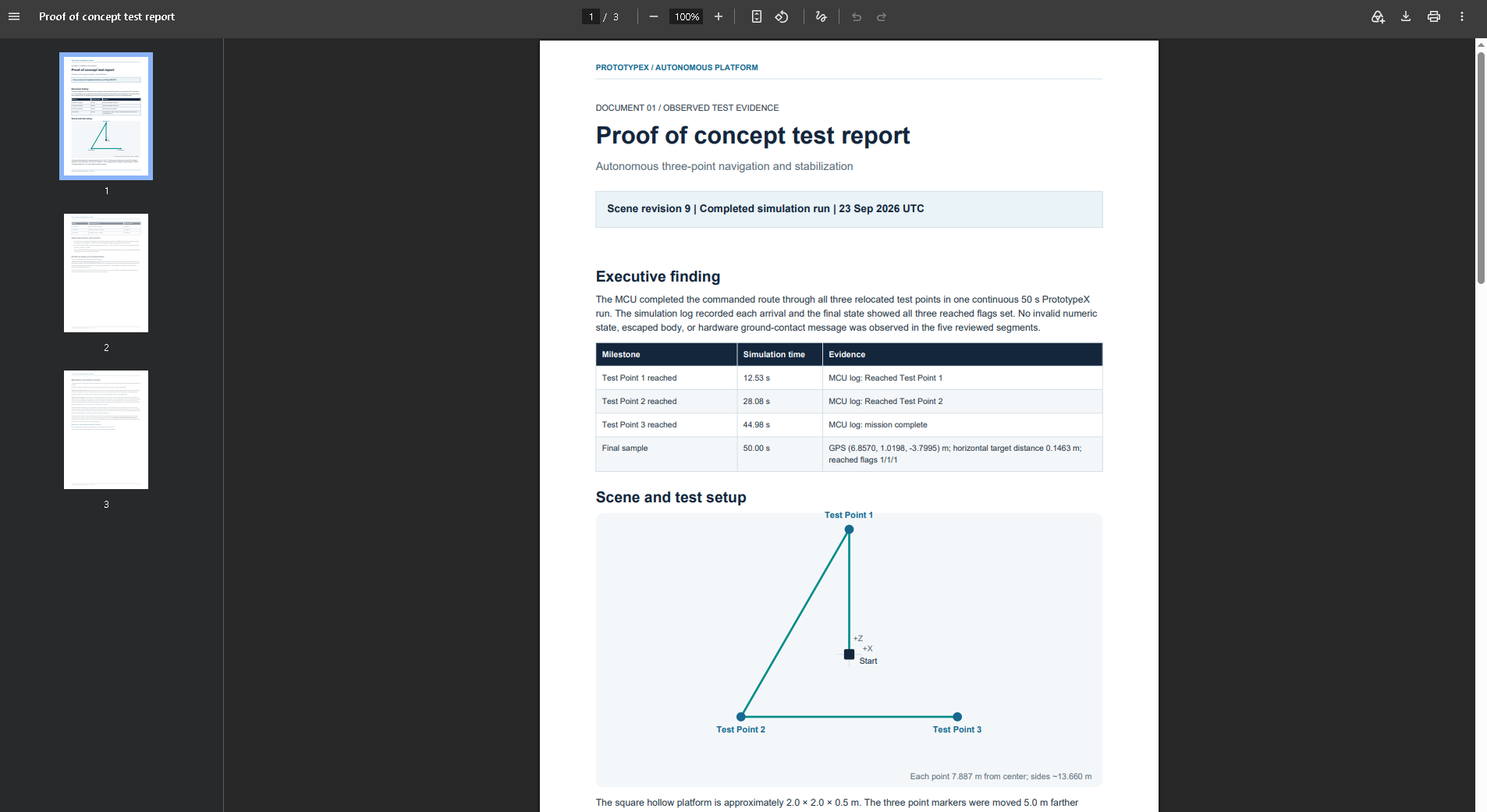
Completed route44.98 s
Final modeled distance0.15 m

PrototypeX demonstrations show results from configured virtual models. Results depend on the model and its assumptions; they do not establish real-world performance, safety, or regulatory compliance. AI-assisted reports should be independently checked before use in physical engineering.

Autonomous platform studyAI-assisted PrototypeX workflow
Recorded

Playback notePlayback has been accelerated for viewing convenience.

A 57-second screen recording of the model, revisions and completed simulated route.

What the demonstration proves

The useful result was not a perfect first attempt. It was a fast, reviewable loop from intent to evidence.

  1. 01DescribeDefine the platform, sensing, control and route.
  2. 02BuildAI authors the interactive model in PrototypeX.
  3. 03TestRun the virtual mission and measure behavior.
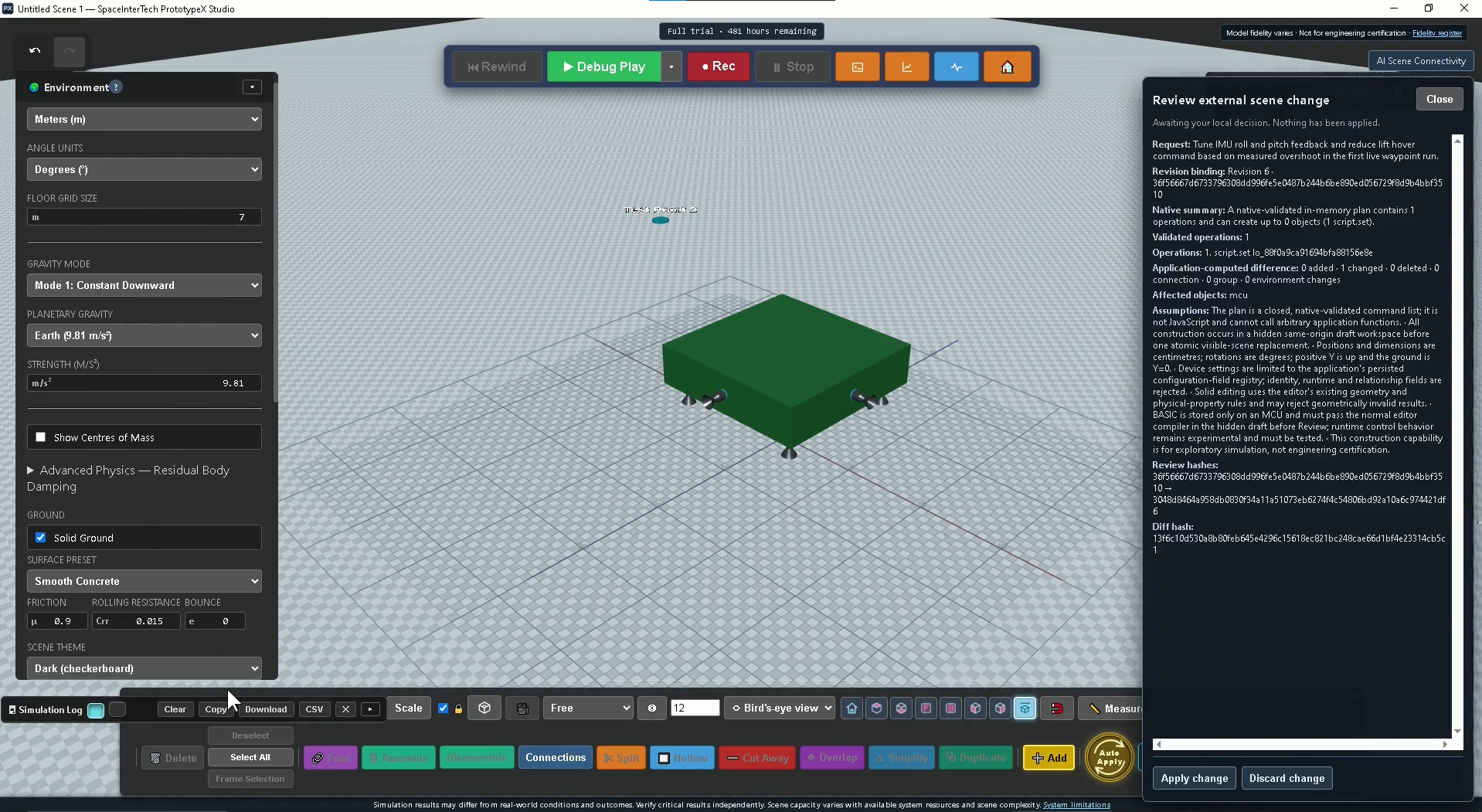
  4. 04Diagnose & reviseExpose a control gap, then add altitude and attitude-control capability.
  5. 05DocumentInspect the final scene and draft a reviewable evidence set.

The first test revealed

Translation was possible, but corrective attitude torque was not.

The original five centerline thrust directions could move the platform but could not fully correct pitch and roll.

The model was revised

Altitude feedback and dedicated corner trim authority were added.

The test points were also moved farther from the platform to create a more meaningful navigation route.

The recorded result

All three relocated waypoints were reached in one 50-second run.

Roll and pitch were stabilized in the configured model; yaw control and physical feasibility remain open questions.

Selected evidence

AI-drafted documents from the inspected scene.

The complete workflow produced five technical documents. Three public-facing reports are shared here; deeper design and control material remains private.

Documents were generated with AI assistance from the configured scene and require engineering review before any real-world use.

Software work

Beyond virtual prototyping.

My software work also includes System Synthesis Studio, Trace Accounting, and Work Item Register. They cover system design, accounting, and project and ticket tracking.

All three applications are owned by SPACE INTERTECHNOLOGIES LLC.

System Synthesis Studio splash screen showing its contract-driven system synthesis branding

Software portfolio

System Synthesis Studio

System Synthesis Studio is a contract-driven platform for designing and prototyping data-centric systems. It captures relational structure, workflows, validation, reporting, and delivery decisions in one reusable system contract, then derives coordinated applications, databases, analytics, APIs, and professional design documentation without redesigning the solution for every target platform.

Key technologies: .NET 8, SQL Server 2019 and WinForms. Blazor web capabilities are in development.

Use QuickBuild for a fast start, or work with Codex through the built-in Design Assistant. The assistant and desktop app share the same live design, so questions, suggestions and accepted changes stay in sync. AI can suggest improvements, while you decide what to accept, save and turn into deliverables. Direct API calls to LLM providers are also supported.

Trace Accounting desktop application splash screen showing the product name and SPACE INTERTECHNOLOGIES LLC

Also in the portfolio

Trace Accounting

Trace Accounting is an industry-flexible accounting platform for SPACE INTERTECHNOLOGIES LLC, designed around configurable source documents, ledger structures, calculations, and posting workflows.

Key technologies: .NET 8, SQL Server 2019 and WinForms. Blazor web capabilities are in development.

Its MCP integration has three modes:

  • Query and AuditRead-only insight
  • OperationsAuthorized transactions
  • ConfigurationGoverned setup and simulation
Work Item Register splash screen showing its project and ticket tracking icon

Also in the portfolio

Work Item Register

Work Item Register is a Windows desktop app for tracking projects and tickets in one hierarchy, with progress rolling up at every level. It includes role-based permissions, a full audit trail, and an AI gateway (MCP) where assistants like Claude can read the register and propose changes, but only a person can approve them.

Key technologies: C# / .NET 8, WinForms, SQL Server 2019 (T-SQL), Dapper, Model Context Protocol (MCP), xUnit.

These applications continue to evolve, with new features added as AI capabilities advance.

Contact & updates

Interested in PrototypeX Studio?

We welcome interest from potential users and organizations. You can let us know if you would welcome a reply, occasional updates, or both. We may not respond to every message. No project description is needed.

What would you like?

Preparing the form…

We use your details for the choices you select. See the Privacy notice.